Managers
Users
Invite the team, set their roles, and switch accounts off when someone leaves.
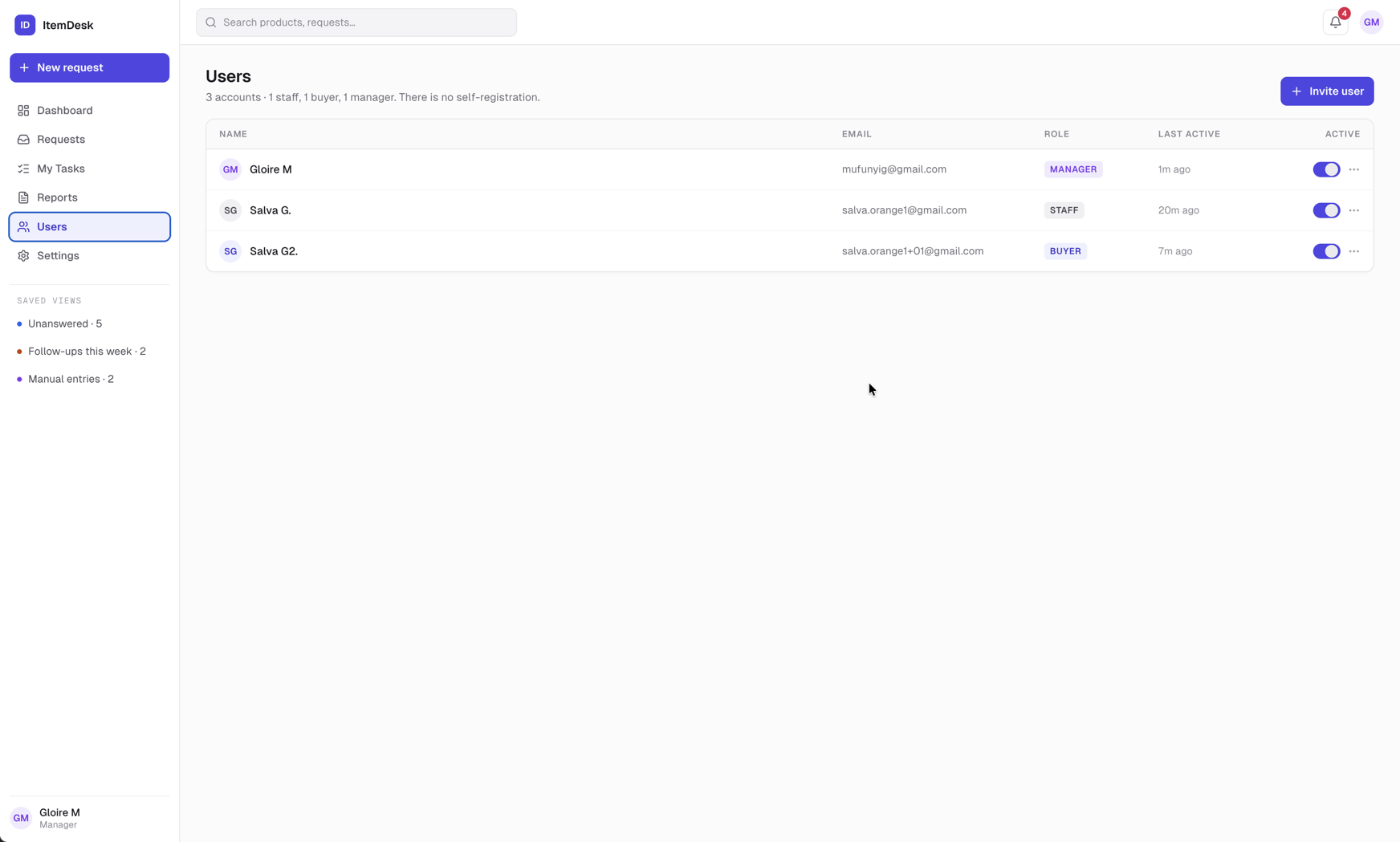
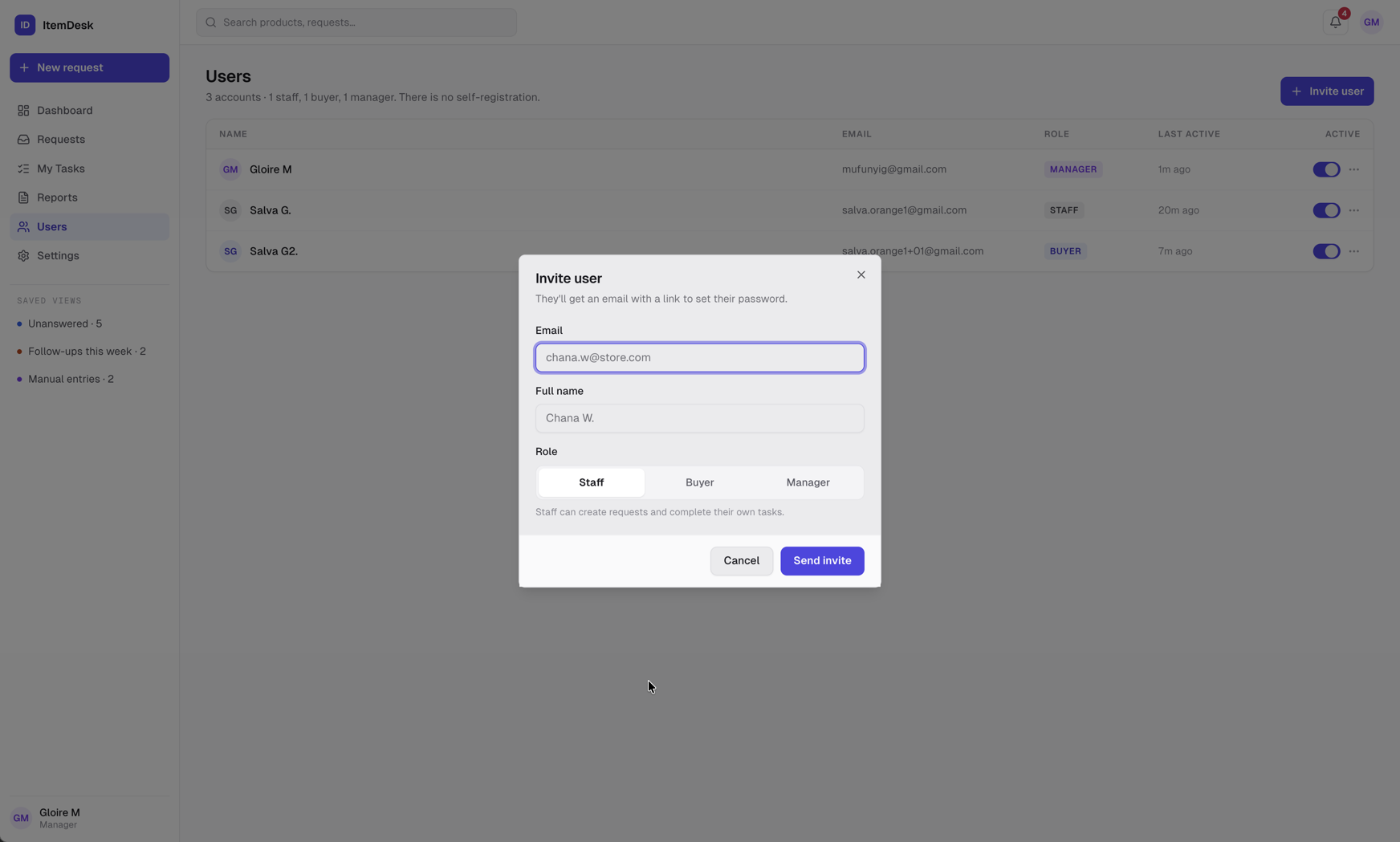
Inviting someone
Click Invite user, enter their store email address, their full name and a role, then Send invite. They receive an email with a button to set their password. Until they do, their row shows that they have never signed in.
Important
The invitation link expires after one hour. If someone missed it, they don't need another invitation: Forgot password? on the sign-in page sends them a new link that works the same way.
Managing an account
- Change role — staff, buyer or manager — takes effect at their next sign-in
- Active — switch it off to deactivate the account: they are signed out and can't sign in again. Switch it back on at any time; their requests and tasks are kept.
- Last active — when they last signed in
Note
You cannot deactivate your own account or change your own role.