Everyone
Notifications
Each hand-off in the workflow notifies the person whose turn it is — in the app, and by email.
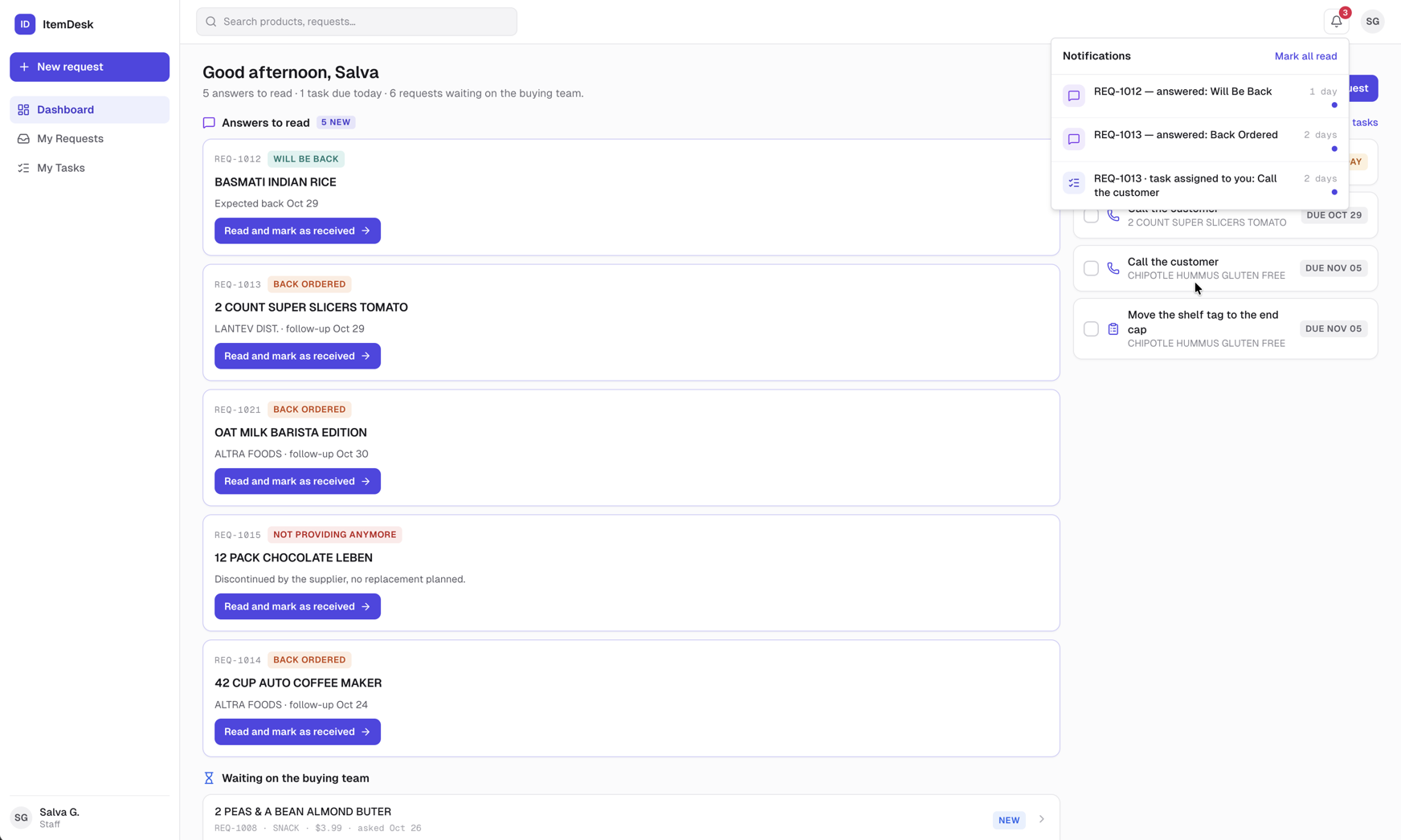
The bell
The bell at the top right shows how many notifications you haven't read. It updates live, without reloading. Click a notification to open the request; Mark all read clears the count.
Who is told what
| When | Who is notified |
|---|---|
| A request is sent | Every buyer and manager. |
| A buyer answers | The staff member who created the request. |
| A task is assigned | The person it was assigned to. |
| Ready to complete | The buyer who answered, once the answer is received and every task is done. |
Note
Emails come from ItemDeskand carry the request number in the subject, with a button straight to the request. They mirror the in-app notifications — nothing arrives by email that you won't also see in the bell.