Everyone
Tasks
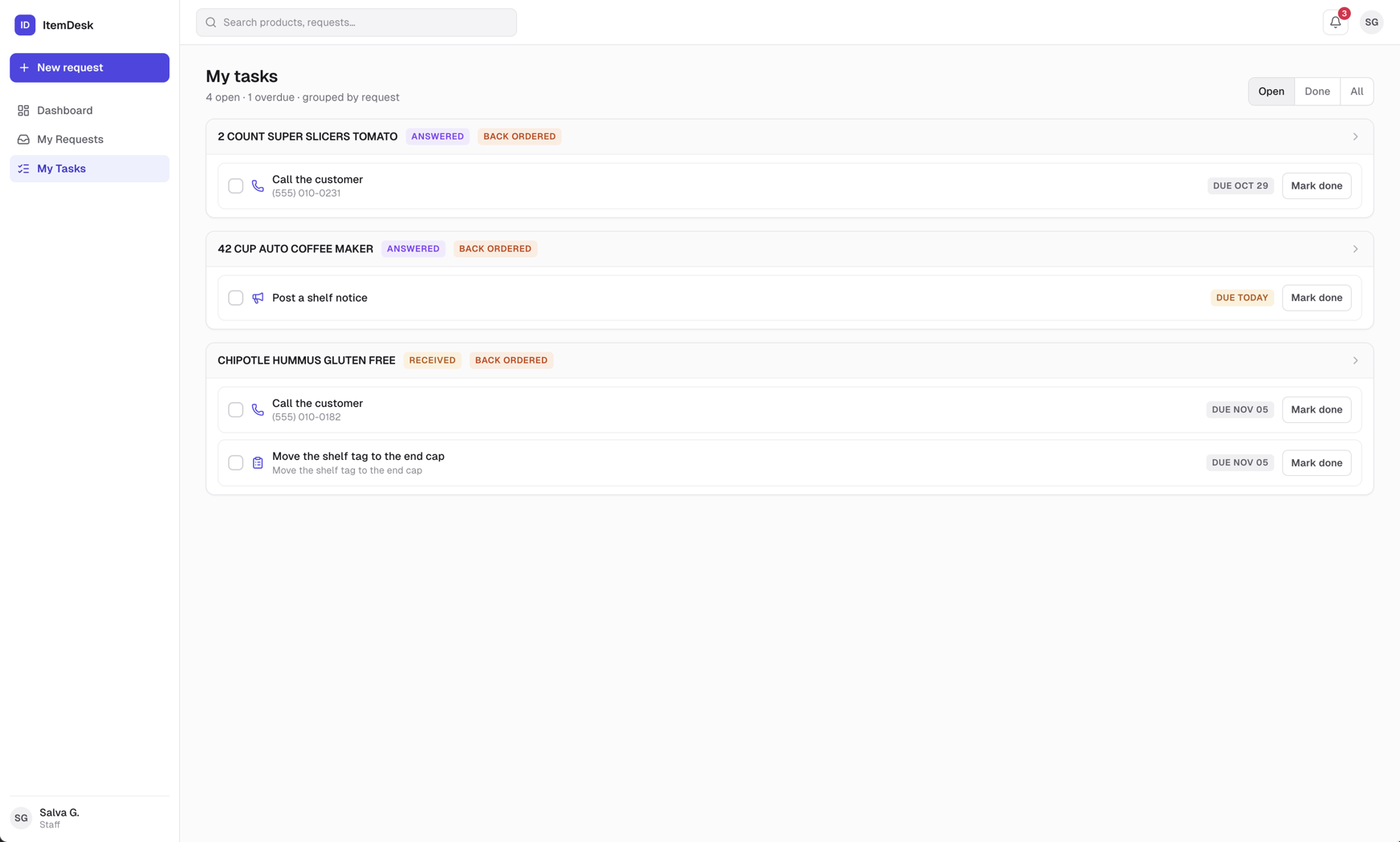
The follow-up work a buyer assigns on a request. My Tasks shows the ones assigned to you, grouped by request.
What a task carries
- Title — Call the customer, Post a shelf notice, Contact the supplier, or whatever the buyer typed
- Details — the customer's phone, the aisle, or the supplier's name — whichever the task needs
- Due date — set by the buyer. Due today and overdue tasks are flagged.
Marking a task done
Click Mark done on the task, or tick its checkbox on the dashboard. Done tasks show when they were completed. When the last task on a request is done and the answer has been received, the buyer is told the request is ready to complete.
Note
Tasks are tied to a request. There is no free-standing to-do list — open the request to see why the task exists and what the customer asked.